How to Apply for a CAGD Loan and Salary Advance in 2026
Government employees who need additional funds may consider a CAGD loan or salary advance. The application process can involve checking your payroll information, reviewing your payslip, providing required details, and completing the verification process with the relevant loan provider.
Your exact requirements can depend on the loan or advance facility you are applying for. CAGD material for its Provident Fund loan facility, for example, lists a recent payslip, affordability information, generate a Mandate Number form, and GoG loan and advance forms among the required documents.
What Is a CAGD Loan or Salary Advance?
A CAGD loan is a loan facility available to eligible government employees through a relevant scheme or provider. A salary advance, on the other hand, generally involves accessing part of expected salary before the normal payment date.
The amount available, repayment period, charges, and eligibility conditions can differ between providers and facilities, so check the specific terms before submitting an application.
CAGD Loan vs Salary Advance
A loan is normally repaid over an agreed period, with deductions made according to the repayment arrangement. A salary advance is generally connected to expected salary and may have a different repayment structure.
Do not assume that all CAGD-related loan or advance facilities have the same requirements. Check the terms of the specific facility you intend to use.
How Salary Deductions Work
When a loan is arranged for repayment through payroll, the agreed repayment can appear as a deduction on your payslip.
The exact deduction depends on the facility, repayment terms, and amount borrowed. Review your payslip after repayment begins so you can confirm that the expected deduction is being recorded.
Who Can Apply for a CAGD Loan or Salary Advance?
Eligibility depends on the particular loan or salary advance facility. Some schemes may have additional conditions relating to employment status, membership, affordability, or length of participation.
Employee Eligibility
Before applying, check whether the provider accepts your employment category and whether you meet its specific conditions.
For example, CAGD’s published Provident Fund loan information states that staff applying through that facility had to be members of the fund and contribute continuously for at least one year.
This requirement should not automatically be applied to every CAGD loan provider because different facilities can have different rules.
Payslip and Payroll Requirements
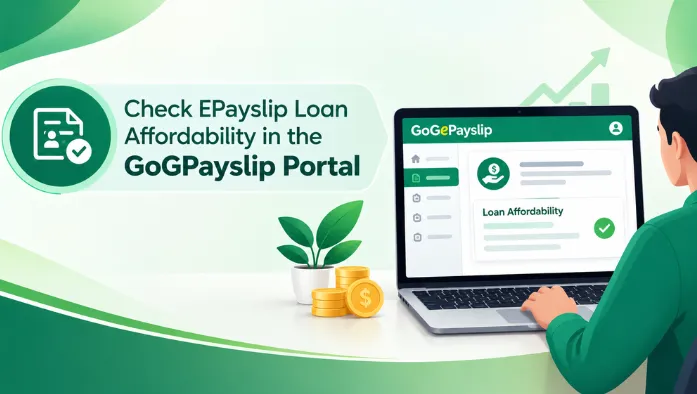
A recent payslip may be required to confirm salary and existing deductions. Your payroll information can also help the provider assess affordability before approving the application.
CAGD’s published Provident Fund requirements specifically include the most recent payslip and affordability information.
What You Need Before Applying
Having your payroll and account information ready can make the application process easier. Check the provider’s requirements before starting because the documents and details requested can vary.
GoG ePay Services Account
Your GoG ePay Services account can be useful for accessing current payroll information and checking your payslip.
Make sure you can log in successfully and that the information displayed on your account is correct before beginning a loan or salary advance application.
Recent ePayslip
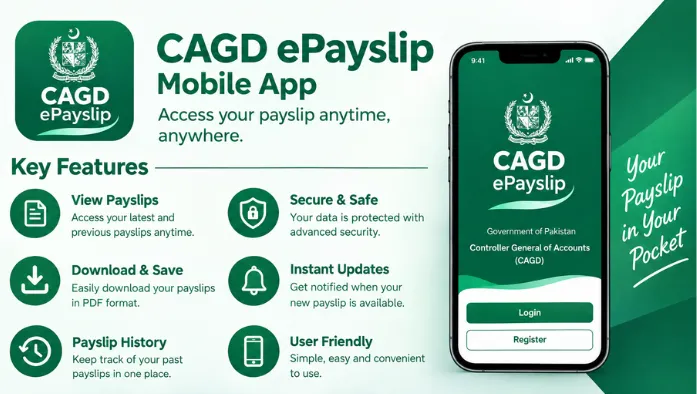
Keep your most recent ePayslip available. It can show your salary, existing deductions, and other payroll information that may be needed during an application. You can also view your latest payslip on the CAGD ePayslip Mobile App if you have it installed.
If there is an error on your payslip, resolve it before relying on the information for a financial application.
Mandate Number and Required Details
A mandate may be required for some loan facilities. CAGD’s published Provident Fund loan requirements include a mandate form alongside a recent payslip, affordability information, and GoG loan and advance forms.
If your selected provider specifically requests a mandate number or mandate information, follow the instructions it provides rather than assuming the process is identical for every lender.
How to Apply for a CAGD Loan or Salary Advance
Once you have checked the requirements and gathered your information, you can begin the application process with the relevant provider.
Step 1: Check Your Eligibility
Start by reviewing the provider’s eligibility conditions. Check employment requirements, membership conditions where applicable, affordability rules, and any required documents.
Do this before submitting an application so you know what information you need.

Step 2: Log In to GoG ePay Services
Sign in to your GoG ePay Services account using your normal login details. If you cannot log in, you will need to Reset Your Password.
Check that your employee and payroll information is available and that you can access your current payslip.

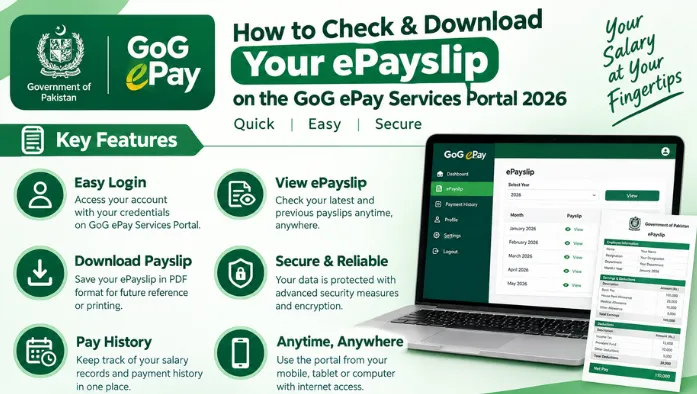
Step 3: Check Your Payslip
Check and Download Your ePayslip to review your salary and existing deductions.
Pay particular attention to deductions that may already reduce your available salary. Your financial obligations should be considered before taking on another repayment.

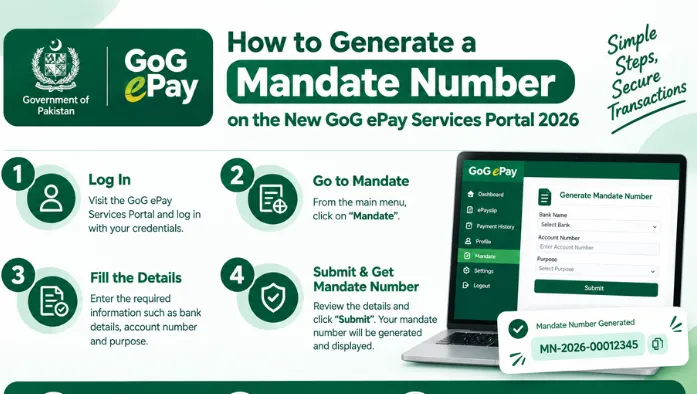
Step 4: Generate a Mandate Number if Required
If the loan provider requires a mandate number or mandate information, complete the relevant mandate process before continuing.
The exact process can depend on the facility. Follow the instructions provided by the provider or the applicable GoG ePay Services process.

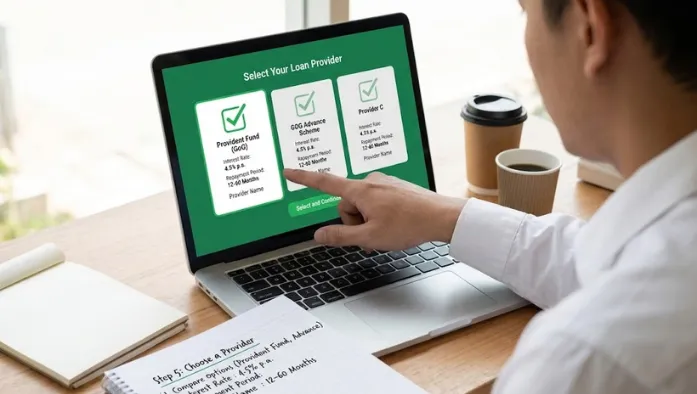
Step 5: Choose a Loan Provider
Choose a provider that offers a facility suitable for your needs and eligibility.
Before submitting your application, review the amount you intend to borrow, repayment period, interest or other charges, and how repayments will be collected.
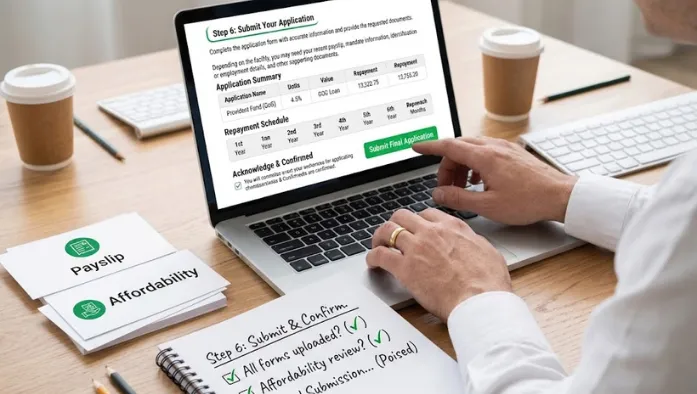
Step 6: Submit Your Application
Complete the application form with accurate information and provide the requested documents.
Depending on the facility, you may need your recent payslip, mandate information, identification or employment details, and other supporting documents.
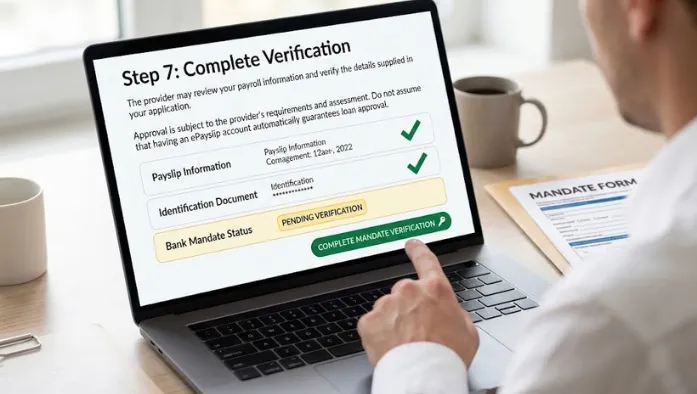
Step 7: Complete Verification
The provider may review your payroll information and verify the details supplied in your application.
Approval is subject to the provider’s requirements and assessment. Do not assume that having an ePayslip account automatically guarantees loan approval.
CAGD Loan Repayment and Salary Deductions
After a loan or advance is approved, repayment arrangements should be clearly explained by the provider. If repayment is made through payroll, deductions may appear on your payslip.
How Repayments Appear on Your Payslip
Check your payslip regularly after repayment starts. The deduction should correspond with the repayment arrangement provided to you.
If the amount or description does not appear as expected, contact the relevant provider or payroll office for clarification.
Checking Your Remaining Deductions
Your ePayslip can help you monitor deductions shown against your salary.
Reviewing these deductions regularly can help you keep track of your existing financial commitments before applying for another loan or advance.
Common CAGD Loan Application Problems
Applications can be delayed when information is incomplete or when payroll details do not match the information supplied to the provider.
Payslip or Payroll Details Are Incorrect
If your payslip contains incorrect salary, personal, or deduction information, contact the appropriate payroll or employer support channel.
Do not submit inaccurate payroll information simply to complete a loan application.
Mandate Number Problems
If your mandate information is rejected or cannot be generated, first check the details you entered.
If the problem continues, contact the relevant ePay Services or loan provider support channel for assistance.
Application or Verification Delays
Verification can take time when information needs to be checked, or additional documents are required.
If your application remains pending, contact the provider and ask whether any information or document is still required.
FAQs
Conclusion
Applying for a CAGD loan or salary advance starts with checking the requirements of the specific facility. Your recent ePayslip, payroll information, affordability details, and mandate information may be important parts of the process.
Before borrowing, review the repayment amount, applicable charges, and how deductions will affect your salary. If your payslip or mandate information is incorrect, resolve the issue before submitting the application.